SUPPORT GOCHECKIN
OF OUR KNOWLEDGE RIGHT AT YOUR FINGERTIPS. ASK QUESTIONS. BROWSE ARTICLES. FIND ANSWERS.
Status Project
Step 1 : Go to Site Settings
Step 2 : Select the Detail tab
Step 3 : In the Project Status section:
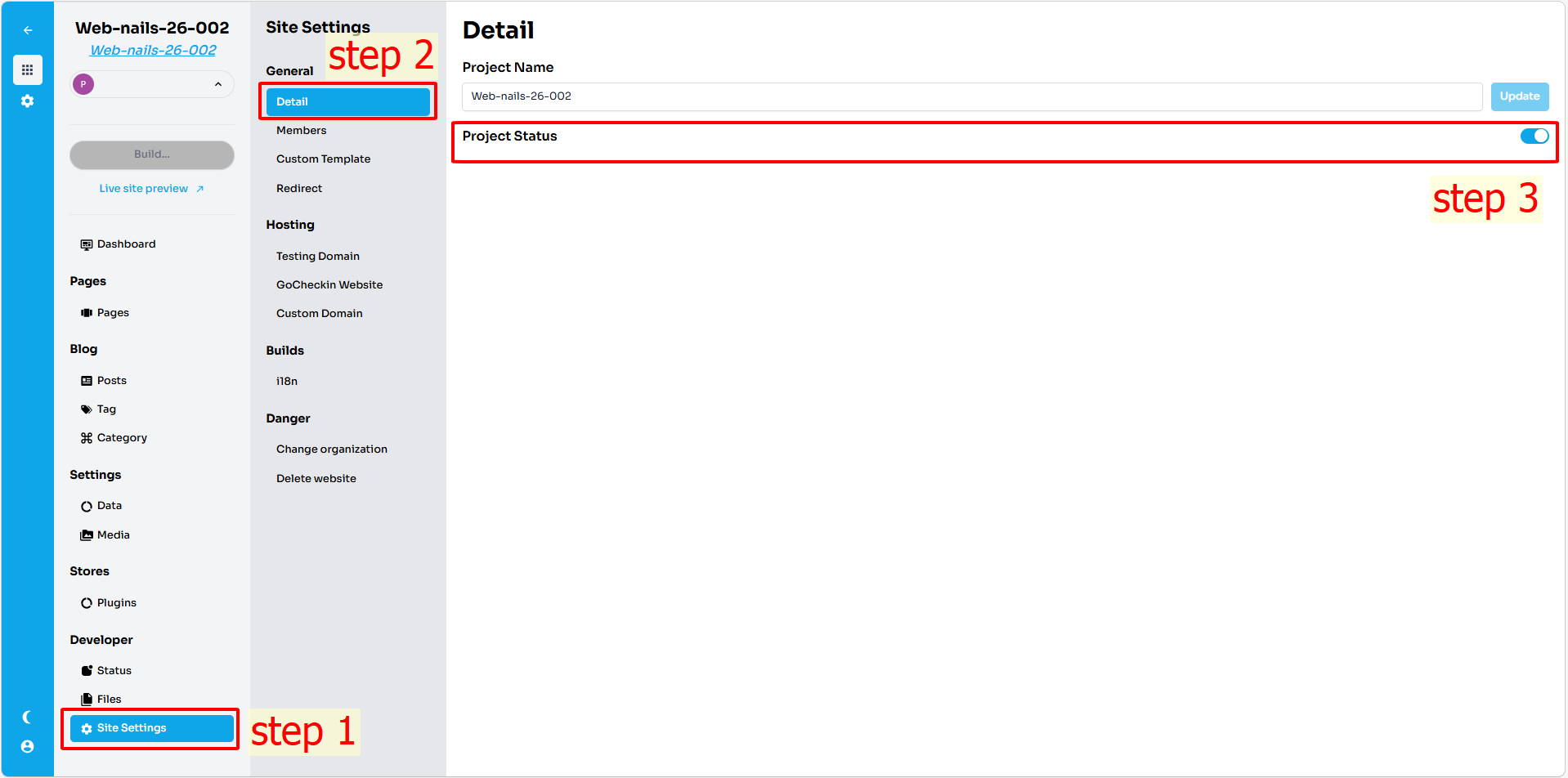
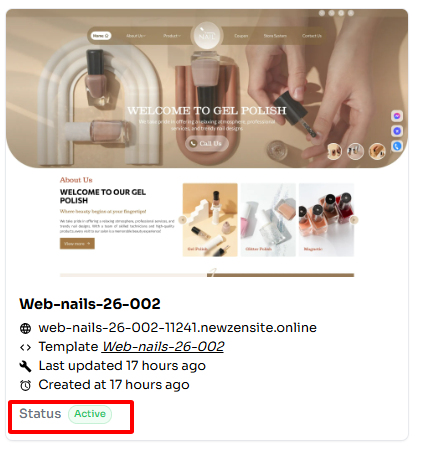
- Turn on the switch → the project status becomes Active
When the status is enabled, the website functions normally and users can access the website publicly.
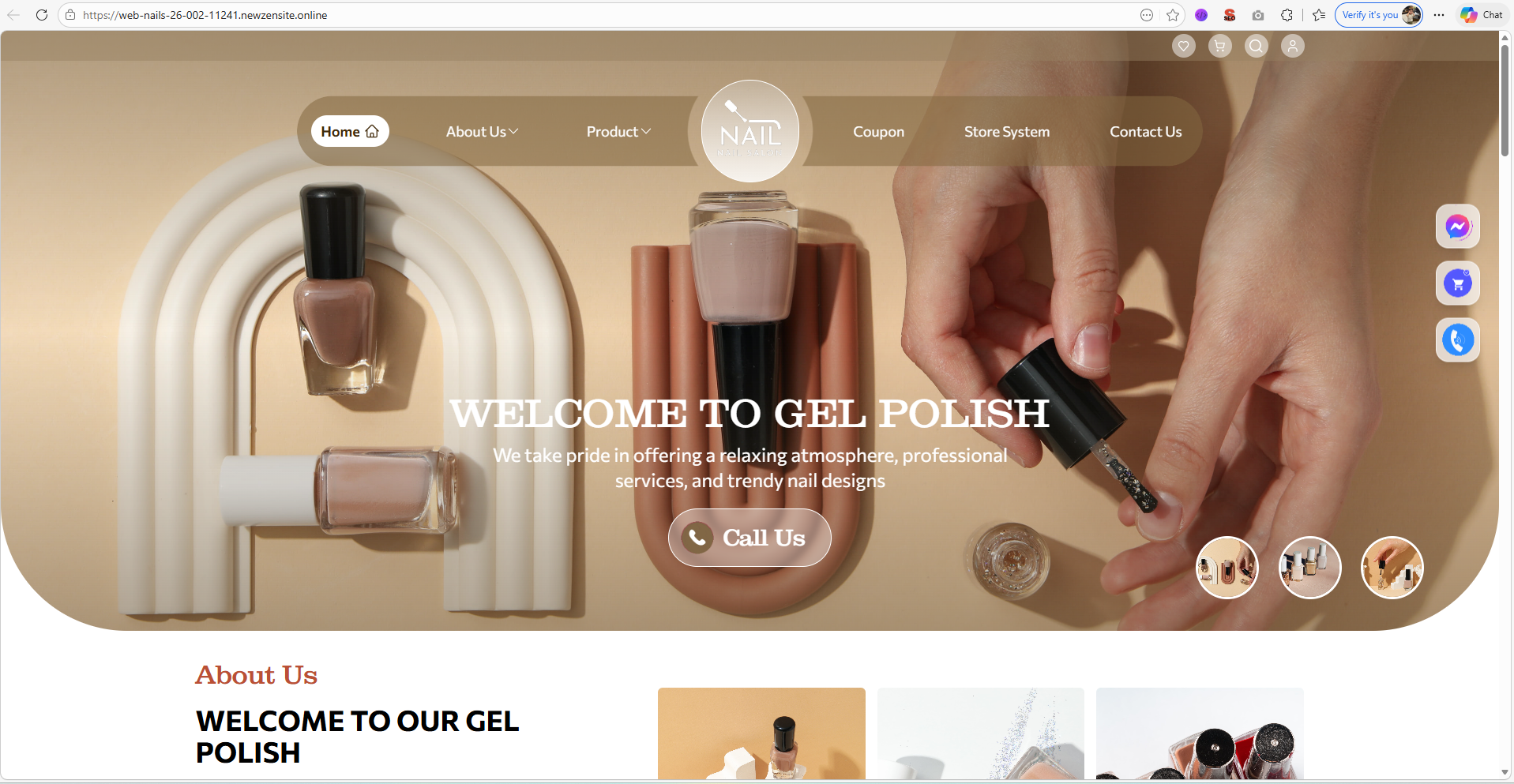
- Turn off the switch → the project status becomes Maintenance
When the status is turned off, the website will enter maintenance mode. External users will not be able to access the website until it is turned back on.
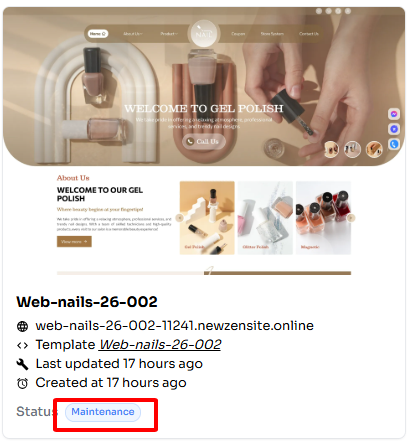
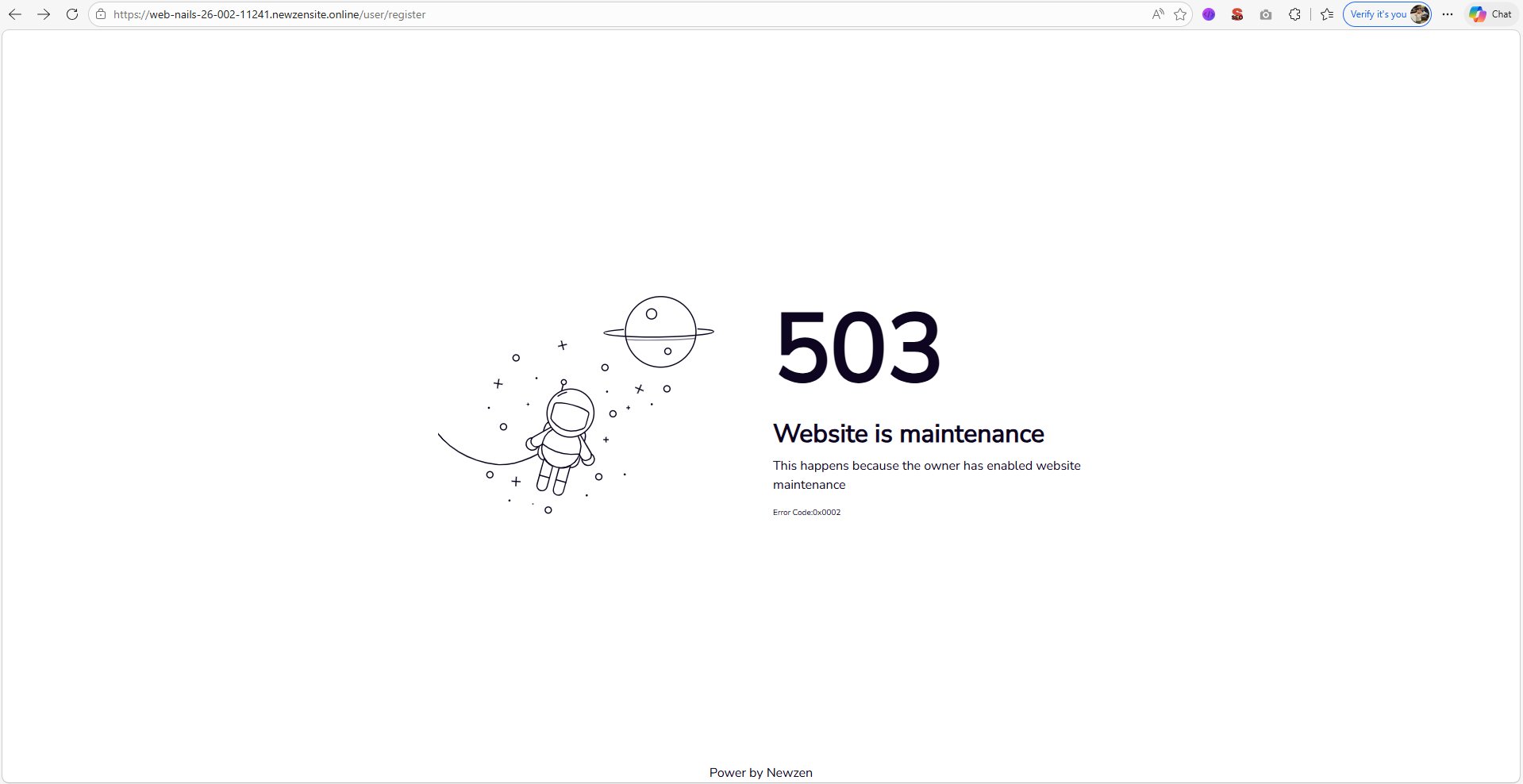
⚠ Lưu ý : The status update is not applied instantly. Please wait a few minutes for the new status to sync and appear on the website.